





Why You Need a PIM for Your Shopify Store
As your Shopify store grows—whether you add new product lines or launch a second store—managing products manually quickly becomes time-consuming and error-prone. Common challenges include:
- Frequent data mistakes
- Difficulty locating digital assets (images, videos)
- Product returns or complaints
- Negative impact on brand reputation and revenue
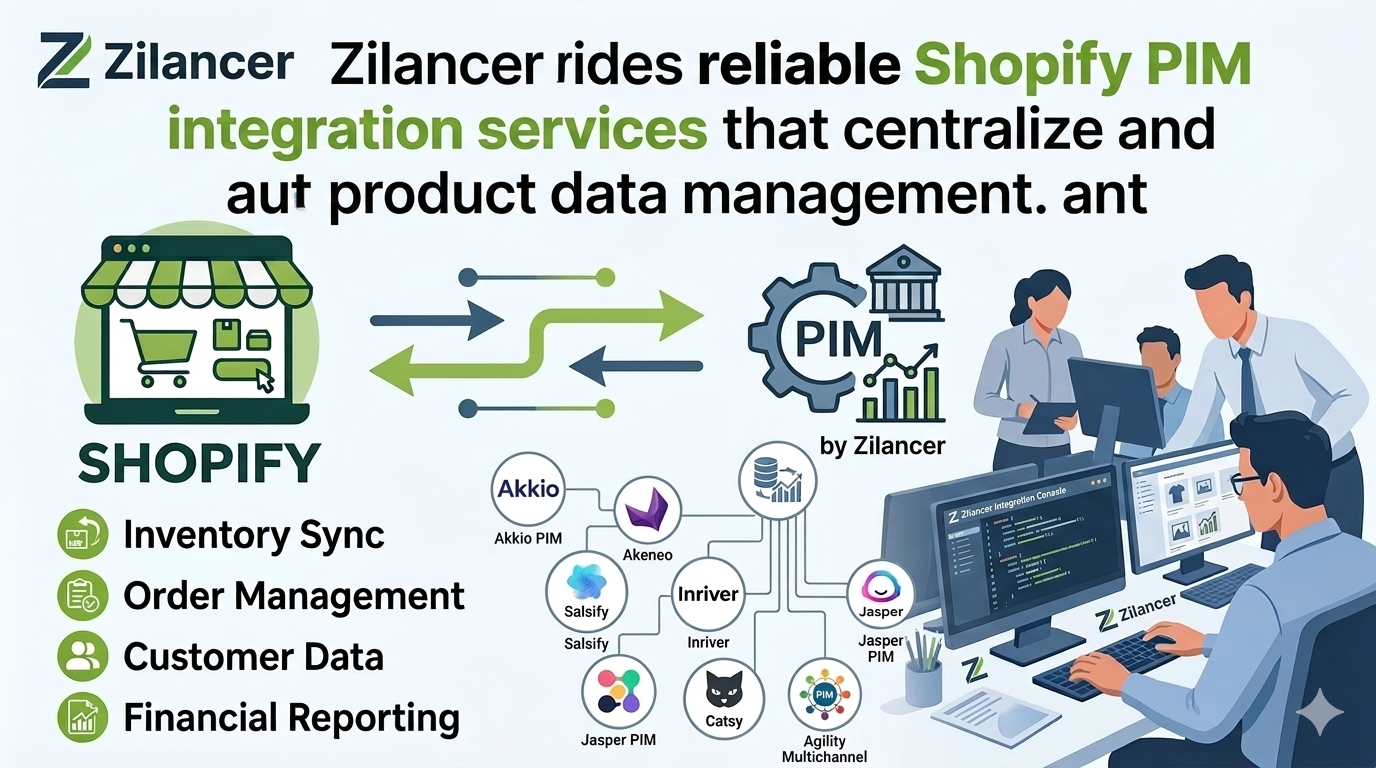
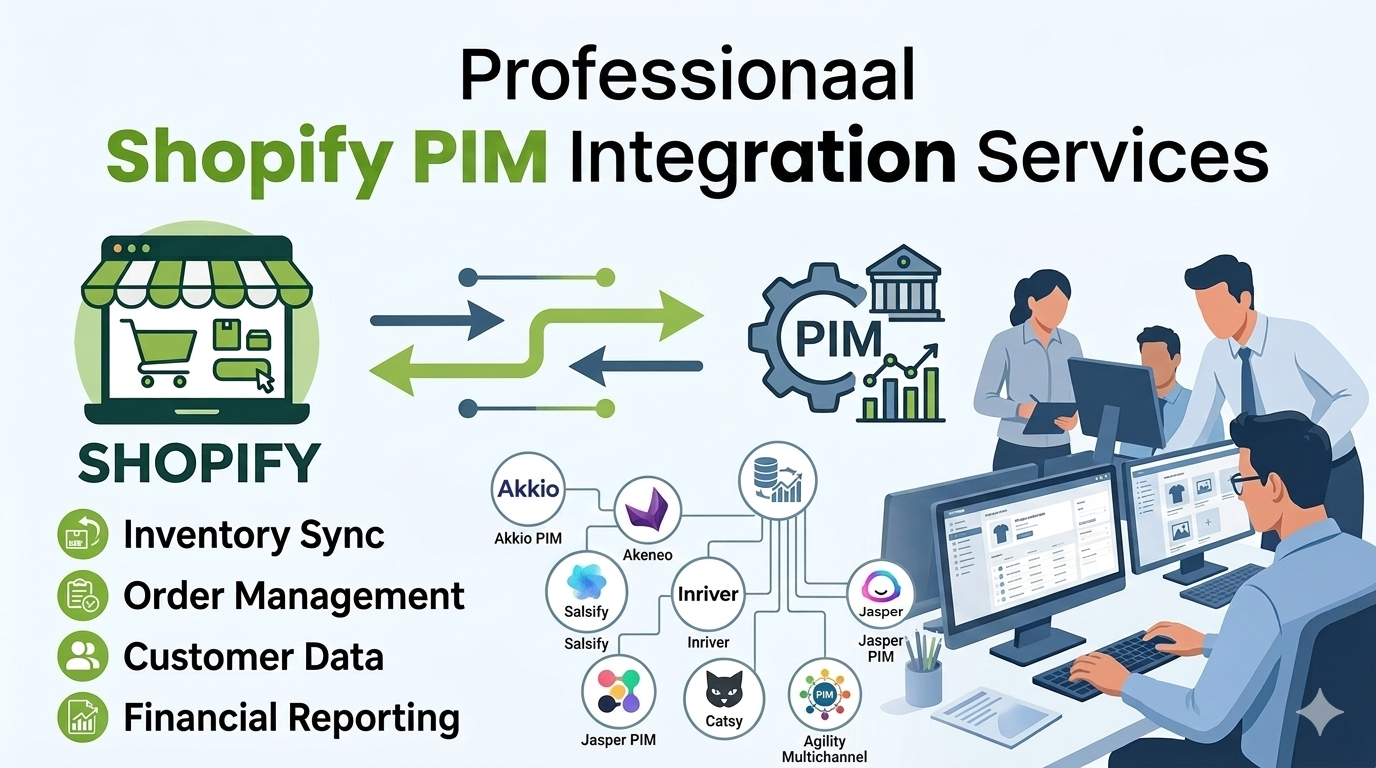
A Product Information Management (PIM) system can centralize all product data, automate repetitive tasks, and make management easier for your team.
What is Product Information Management (PIM)?
A PIM solution is an e-commerce platform that collects, organizes, and enriches your product information in a single place. With a PIM, your team can:
- Access consistent, up-to-date product data
- Improve workflow efficiency
- Reduce errors caused by juggling multiple spreadsheets or systems
Key product information PIM manages:
- Technical data (size, color, ingredients, dimensions)
- Product attributes (title, SKU, description)
- Marketing data (SEO, keywords, meta descriptions)
- Digital assets (images, videos, animations)
- Variants, translations, and user reviews
By integrating a PIM with Shopify, any updates or changes are immediately visible and easily shared across your team and channels.
When You Need Shopify PIM Integrations
Shopify is a powerful platform but has limitations in handling complex product data. Consider a PIM if you struggle with:
- Importing data and assets from multiple sources and formats
- Manual updates and frequent data corrections
- Managing consistency across multiple stores or marketplaces
- Sharing product information with partners or teams
- Ensuring compliance with regulations
A PIM centralizes, organizes, enriches, and distributes your product data, saving time and reducing errors while improving efficiency and scalability.
Benefits of Shopify PIM Integration
A PIM system provides significant advantages for growing Shopify stores:
1. Consolidate All Product Data
No more multiple spreadsheets. Automate data management and view all product details in one dashboard. According to IBM, bad data costs the U.S. economy $3.1 trillion annually.
2. Import Data in Any Format
Easily process data from spreadsheets, ERPs, or supplier documents and make it Shopify-compatible.
3. Bulk Edit Product Information
Edit hundreds or thousands of products at once—pricing, descriptions, stock, attributes, and more—per channel or store.
4. Sell Across Multiple Channels
Push product data to multiple sales channels with a click and monitor channel performance through dashboards.
5. Expand Globally with Ease
Manage multiple languages, currencies, and product descriptions for international stores without duplicating SKUs.
6. Save Time
Centralized data management frees your team from repetitive tasks, enabling faster product launches and more efficient workflows.
Key Features of Shopify PIM
A good PIM system should provide:
- Manual and automatic product data collection
- Bulk product management
- Customizable fields and attributes
- Workflow automation for tasks and teams
- Digital asset and marketing content management
- Integration with Shopify, CMS, ERP, and other e-commerce tools
- Multi-store and multi-channel data management
- Analytics and reporting on product performance
For Shopify Plus merchants, PIM systems are especially valuable to maintain data consistency across multiple stores.
Top 5 PIM Systems for Shopify
1. Plytix
- User-friendly, low-cost, and strong onboarding support
- Ideal for SMBs and multi-channel retailers
- Plans: Free-forever, €300/month, €1100/month
2. Akeneo
- Open-source PIM for B2C and B2B brands
- Centralizes, enriches, and distributes product data
- Free edition available; enterprise edition is custom-priced
3. Pimcore
- Best for enterprise brands with 50+ employees
- Handles large datasets and 2,500+ channels
- Free community edition and custom-priced enterprise plans
4. Jasper PIM
- Centralized product repository with two-way sync
- Supports multi-language and multi-currency management
- Plans range from $49 to $3,750/month
5. Salsify
- Product Experience Management (PXM) combining PIM, DAM, analytics, and more
- Ideal for larger brands focused on customer engagement
- Custom pricing
Integrating PIM with Shopify
Steps for a successful Shopify PIM integration:
- Collect all product data in one place
- Identify critical data for migration
- Organize data into folders
- Remove duplicates, outdated, or incorrect data
- Map product information to the correct PIM fields
Many PIM solutions offer Shopify apps for one-click integration, but proper preparation is crucial for success. For complex setups, hiring a Shopify or PIM expert is recommended.
Why Choose WeCanFly Agency for Shopify PIM Integration
WeCanFly helps Shopify merchants with:
- Selecting the right PIM solution
- Designing the e-commerce ecosystem
- PIM installation and configuration
- Data migration and mapping
- Integrating PIM with CRM, ERP, or other business tools
- Custom API integrations for specific workflows
With our support, your PIM implementation is smooth, accurate, and fully optimized, giving your team control over product data across stores and channels.
Conclusion
If your Shopify store is growing or you run multiple stores, a PIM system is essential for efficient product data management.
The key to success:
- Analyze your business needs
- Clean and prepare existing data
- Work with a Shopify PIM expert
With these steps, Shopify PIM integration will streamline your operations, reduce errors, and help your business scale efficiently.