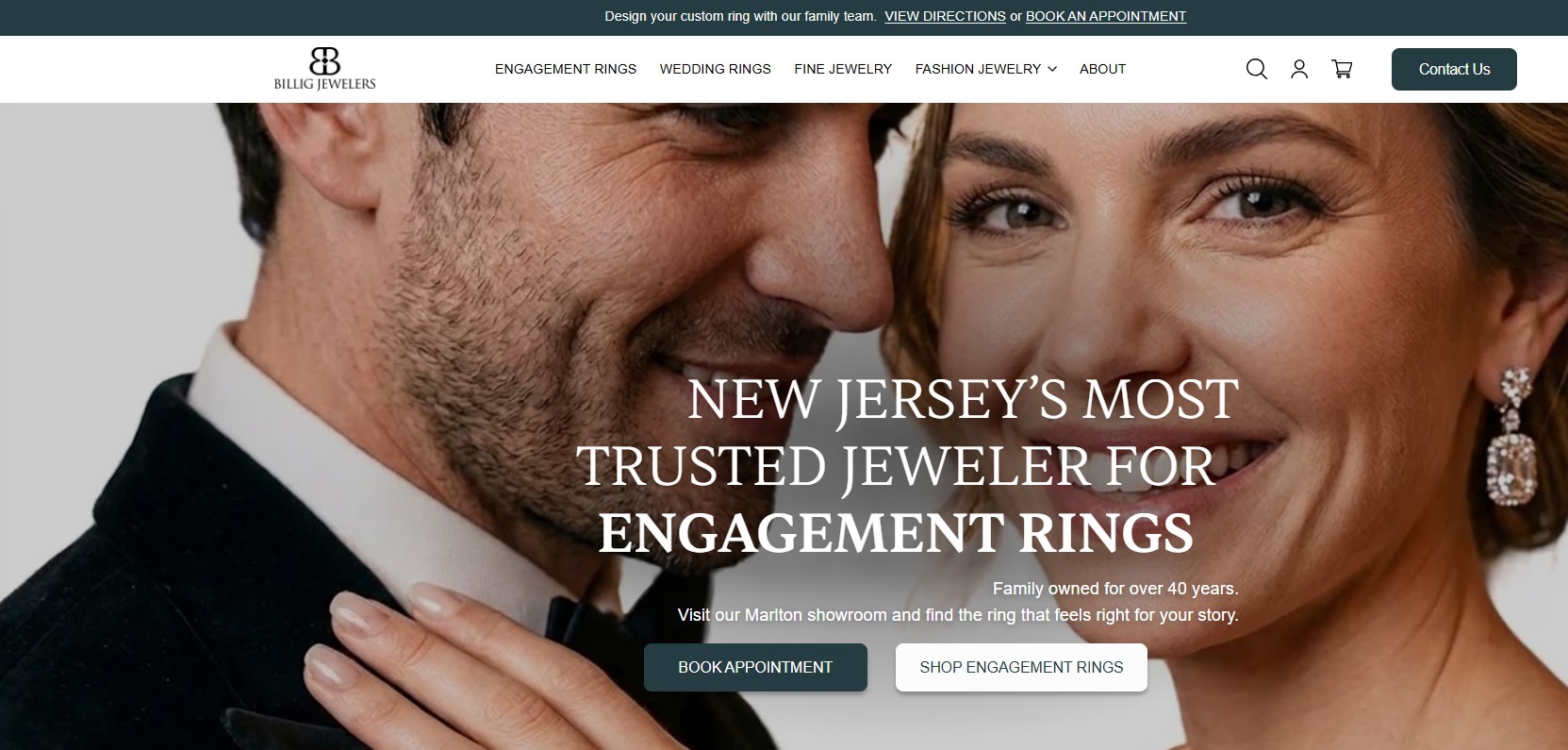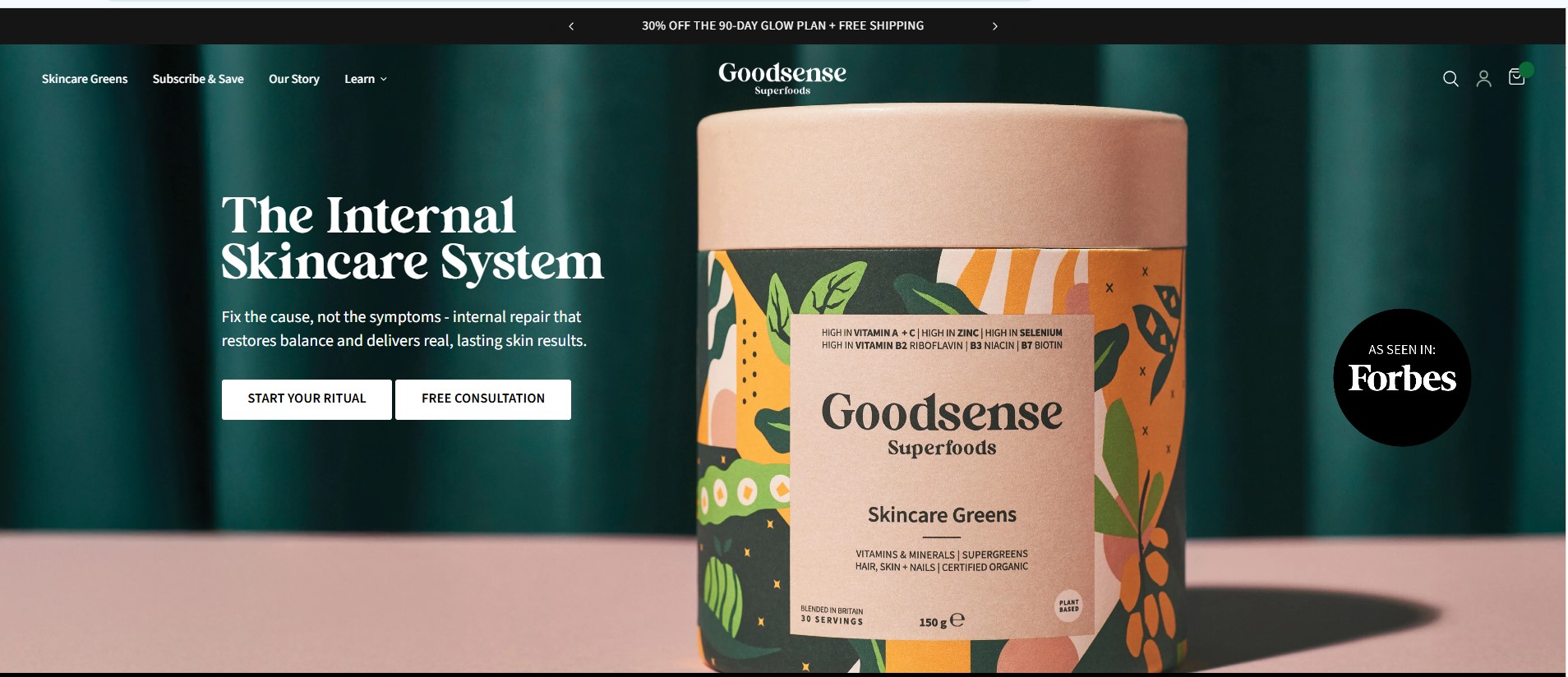









In today’s competitive eCommerce landscape, simply having a Shopify store is not enough to guarantee success. Thousands of online stores sell similar products, and customers now expect a smooth, intuitive, and enjoyable shopping experience. If visitors find your website confusing, slow, or difficult to navigate, they are very likely to leave and purchase from a competitor. User Experience (UX) plays a crucial role in determining whether visitors stay on your website, explore your products, and eventually make a purchase. A well-designed store makes customers feel comfortable and confident while shopping, which naturally leads to higher engagement, better customer satisfaction, and increased conversions. Many store owners focus heavily on product selection and marketing campaigns but overlook the importance of thoughtful design. However, design is often the bridge that connects marketing efforts with actual sales. When your Shopify store is visually appealing, easy to navigate, and optimized for user behavior, it becomes significantly easier to convert visitors into paying customers.
At Zilancer, we specialize in creating high-performing Shopify stores that combine modern design with strategic user experience principles. Our approach focuses not only on aesthetics but also on functionality, performance, and conversion optimization. Below are 10 powerful Shopify design tips that can dramatically improve your store’s user experience and help increase your online sales. One of the most common mistakes in eCommerce design is trying to display too much information at once. When a website looks cluttered with too many banners, colors, and elements, it overwhelms visitors and makes it difficult for them to focus on the products. A clean and minimal design helps guide users naturally through your store. It allows your products to become the main focus instead of competing with unnecessary visual elements. Use clear typography that is easy to read on both desktop and mobile devices. Maintain consistent font styles across your store to create a professional look. Make sure there is enough white space between sections, images, and text so visitors can comfortably scan the page. A simple layout also helps improve page load speed and overall usability. When visitors can easily understand the structure of your store, they are more likely to continue browsing and exploring your products. Remember, simplicity in design does not mean boring — it means purposeful and well-organized.
Optimize Your Navigation Menu
Navigation is one of the most important elements of any e-commerce website. It acts as a roadmap that helps visitors find the products they are looking for. If your navigation menu is confusing or poorly structured, customers may struggle to locate products, which can lead to frustration and ultimately cause them to leave your store. An effective navigation system should be clear, logical, and easy to use. Your main menu should highlight your primary product categories while keeping the structure simple. For example, instead of displaying dozens of categories in the main navigation bar, group similar products together under broader categories. This helps users understand your product catalog more easily. Dropdown menus can also be useful for stores with larger inventories. However, they should remain organized and easy to scan. A well-structured navigation system allows customers to move through your store effortlessly, which improves the overall shopping experience and increases the likelihood of conversions. In online shopping, customers cannot physically touch or inspect products. Because of this, product images become one of the most important factors influencing purchasing decisions. High-quality product images help build trust and give customers a clear understanding of what they are buying. Each product page should include multiple images that showcase the product from different angles. Close-up shots can highlight important details, while lifestyle images can show the product being used in real-life situations. Zoom functionality is also highly recommended because it allows customers to inspect product details more closely. Poor-quality or blurry images can create doubt in customers’ minds and reduce trust in your brand. On the other hand, professional product photography makes your store look more credible and premium. Investing in high-quality visuals can significantly improve both engagement and conversion rates. Mobile commerce has grown rapidly in recent years, and a large percentage of online shopping now happens on smartphones and tablets. If your Shopify store is not fully optimized for mobile devices, you could be losing a significant number of potential customers. Mobile responsiveness ensures that your website automatically adjusts its layout and functionality to fit smaller screens. This includes properly resizing images, optimizing text readability, and ensuring buttons are easy to tap. A mobile-friendly store should have simple navigation, clear product pages, and a streamlined checkout process. Visitors should be able to browse products, read descriptions, and complete purchases without needing to zoom in or scroll excessively. Shopify themes are generally responsive, but customization and app installations can sometimes affect mobile performance. Regular testing on multiple devices is essential to ensure a smooth mobile shopping experience. A well-optimized mobile experience not only improves usability but also contributes positively to search engine rankings and overall conversion rates. One of the most critical moments in the customer journey is the checkout stage. Even if customers are interested in your products and add them to their cart, a complicated checkout process can cause them to abandon their purchase. Cart abandonment is a common challenge in e-commerce, and a lengthy or confusing checkout process is often the main reason. To reduce friction, keep your checkout process as simple and fast as possible. Avoid asking for unnecessary information that might discourage customers from completing the purchase. Offering guest checkout is particularly important because many customers prefer not to create an account before buying. Clear progress indicators can also help customers understand how many steps remain before completing their purchase. By minimizing obstacles and simplifying the checkout experience, you can significantly increase your store’s conversion rate.
Improve Page Loading Speed
Improving page loading speed is essential for delivering a smooth user experience, increasing conversions, and boosting search engine rankings. In eCommerce, speed directly impacts how users interact with a website—slow pages lead to frustration, higher bounce rates, and lost sales. A fast-loading site, on the other hand, keeps visitors engaged and encourages them to explore products and complete purchases without interruption. One of the most effective ways to improve loading speed is by optimizing images. Large image files should be compressed and resized properly, and modern formats like WebP can be used to maintain quality while reducing file size. Minimizing unnecessary apps, plugins, and third-party scripts is also important, as each additional resource can slow down page rendering. Keeping only essential tools ensures a lighter and more efficient website.
Another key factor is clean and optimized code. Removing unused CSS, JavaScript, and redundant elements helps pages load faster. Using a lightweight, well-optimized theme also improves performance significantly. Additionally, enabling browser caching allows returning visitors to load pages more quickly, while a content delivery network (CDN) helps distribute content efficiently across different geographic locations. Mobile optimization plays a major role as well, since a large portion of users browse on smartphones. Ensuring fast mobile loading, simplified layouts, and responsive design enhances the overall experience. Regular performance testing using tools like Google PageSpeed Insights or Lighthouse helps identify issues and track improvements over time. Ultimately, improving page loading speed is about creating a fast, responsive, and reliable experience for users. A faster website not only improves engagement and trust but also drives higher conversions and long-term business growth. Trust plays a major role in online shopping decisions. Customers want reassurance that the products they are buying are reliable and that the store they are purchasing from is legitimate. Displaying customer reviews, ratings, and testimonials helps build credibility and reduce purchase hesitation. Positive reviews provide social proof that other customers have already purchased and enjoyed the product. In addition to reviews, trust signals such as secure payment icons, money-back guarantees, and verified badges can further increase customer confidence. These elements should be placed strategically on product pages and near the checkout area to reinforce trust at key decision points. When customers feel confident about your store’s reliability, they are far more likely to proceed with their purchase. As your Shopify store grows and the number of products increases, it becomes more important to help customers find what they are looking for quickly. A well-designed search bar allows users to instantly locate specific products without browsing through multiple categories. Advanced filtering options also improve the shopping experience by allowing customers to narrow down product listings based on attributes such as price, size, color, brand, or popularity. For stores with large inventories, smart search and filtering tools can dramatically improve usability and reduce the time customers spend searching for products. When customers can easily find what they want, they are more likely to make a purchase.
Maintain Consistent Branding
Brand consistency is essential for building recognition and trust. Your Shopify store should reflect a unified visual identity that represents your brand clearly and professionally. This includes maintaining consistent colors, fonts, button styles, and visual elements across all pages. When customers see consistent branding throughout your store, it creates a sense of professionalism and reliability. Consistency also improves your website’s overall aesthetic appeal and reinforces your brand identity in customers’ minds. A strong brand presence can differentiate your store from competitors and create a more memorable shopping experience. Improving your Shopify store’s user experience is one of the most effective ways to increase conversions and build long-term customer relationships. From clean design and intuitive navigation to fast load times and trust-building elements, every detail shapes how customers interact with your store. Even small design improvements can make a significant difference in customer satisfaction and purchasing behavior. At Zilancer, we focus on building Shopify stores that are not only visually appealing but also optimized for performance, usability, and conversion growth. Our team combines modern UX design principles with data-driven strategies to create online stores that deliver real business results. If you want to transform your Shopify store into a high-performing eCommerce platform, our experts are ready to help you achieve your goals.