






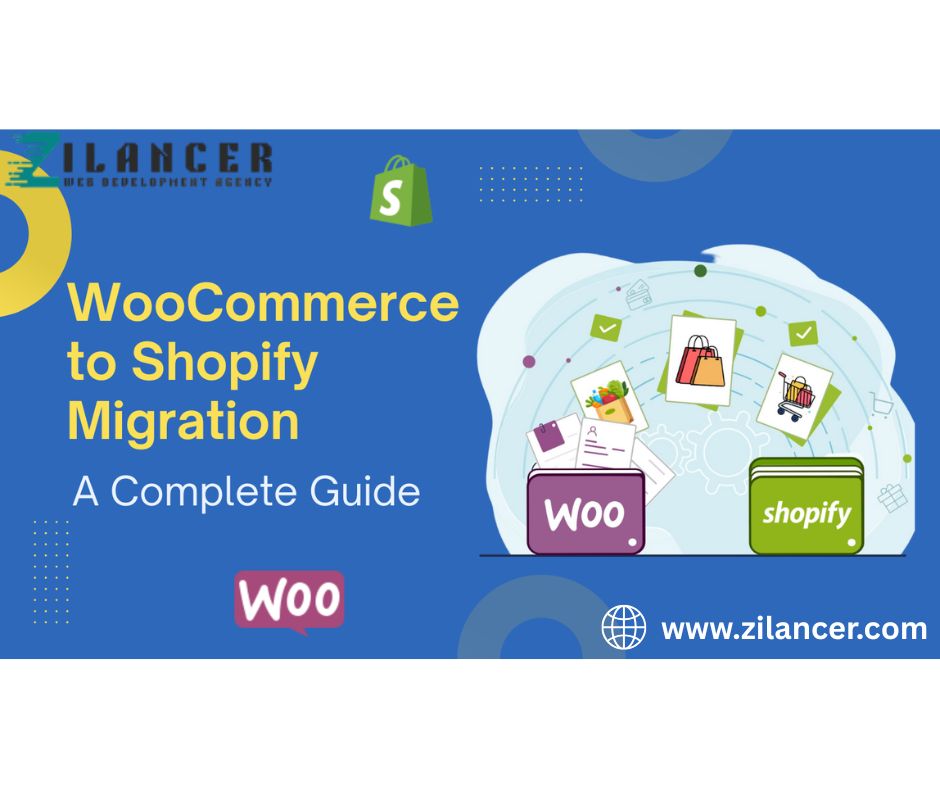
Migrating an online store is a major decision for any e-commerce business. While WooCommerce is a popular platform for many online stores, many growing businesses eventually transition to Shopify to benefit from its scalability, security, and simplified management.
Shopify provides a fully hosted environment that eliminates the need for complex maintenance, plugin conflicts, and technical troubleshooting that often come with WooCommerce stores. For businesses aiming to scale faster, improve performance, and simplify store management, migrating to Shopify can be a strategic move.
However, migration should be handled carefully to ensure that no valuable data, SEO rankings, or customer information is lost during the transition. This guide walks you through the key steps required to successfully migrate your WooCommerce store to Shopify.
1. Plan Your Migration Strategy
Before moving any data, the first step is to carefully plan the migration process. A well-structured plan ensures that everything transfers correctly and that your store continues to operate smoothly after the transition.
Start by conducting a complete audit of your existing WooCommerce store. This includes reviewing:
-
All products and product variations
-
Product images and descriptions
-
Customer accounts and purchase history
-
Order records
-
Blog posts and pages
-
Store URLs and SEO structure
You should also identify any custom features or plugins currently being used. Some WooCommerce stores rely heavily on custom plugins for functionality such as subscriptions, product bundles, advanced shipping, or marketing automation. These features must be replicated in Shopify using apps or custom development.
Proper planning at this stage helps avoid surprises later in the migration process.
2. Choose the Right Shopify Plan
Once the migration strategy is clear, the next step is selecting the most suitable Shopify plan for your business.
Shopify offers multiple pricing tiers designed for different business sizes and operational needs. Small businesses can start with basic plans, while larger brands with complex operations may require advanced features.
For high-growth or enterprise-level stores, Shopify Plus provides enhanced capabilities such as:
-
Advanced automation tools
-
Custom checkout experiences
-
High-volume transaction support
-
Dedicated support and account management
Choosing the right plan ensures your new store has the resources needed to support future growth.
3. Set Up Your Shopify Store
After selecting a plan, the next step is configuring your Shopify store environment.
This includes setting up essential store components such as:
-
Store name and branding
-
Payment gateways
-
Shipping zones and delivery options
-
Tax configurations
-
Currency settings
-
Basic store policies
At this stage, you can also choose a Shopify theme that matches your brand identity and provides a strong foundation for the user experience.
Proper store setup ensures that once data is migrated, the store will be ready for testing and launch.
4. Migrate Products and Customer Data
The most critical step in the migration process is transferring store data from WooCommerce to Shopify.
This typically includes:
-
Products and product variants
-
Product images and descriptions
-
Categories and collections
-
Customer accounts
-
Order history
Instead of manually transferring this data, businesses usually rely on specialized migration tools that automate the process.
Popular migration tools include:
-
Cart2Cart
-
Excelify
These tools help ensure accurate transfer of large amounts of data while minimizing the risk of errors.
After migration, it is important to carefully review all products and customer records to confirm that everything has been imported correctly.
5. Preserve SEO and URL Structure
One of the biggest concerns when migrating an online store is protecting search engine rankings.
If URLs change without proper redirection, existing search traffic may be lost. To prevent this, it is important to implement 301 redirects from your old WooCommerce URLs to the corresponding Shopify pages.
A proper redirect strategy ensures that:
-
Existing SEO rankings remain intact
-
Customers can still access bookmarked pages
-
Search engines recognize the new store structure
You should also migrate important SEO elements such as:
-
Meta titles and descriptions
-
Image alt tags
-
Structured content
-
Internal links
Maintaining SEO continuity helps ensure that organic traffic remains stable after migration.
6. Recreate Custom Features and Integrations
WooCommerce stores often rely on multiple plugins for advanced functionality. During migration, you must review these plugins and determine how similar features will be implemented in Shopify.
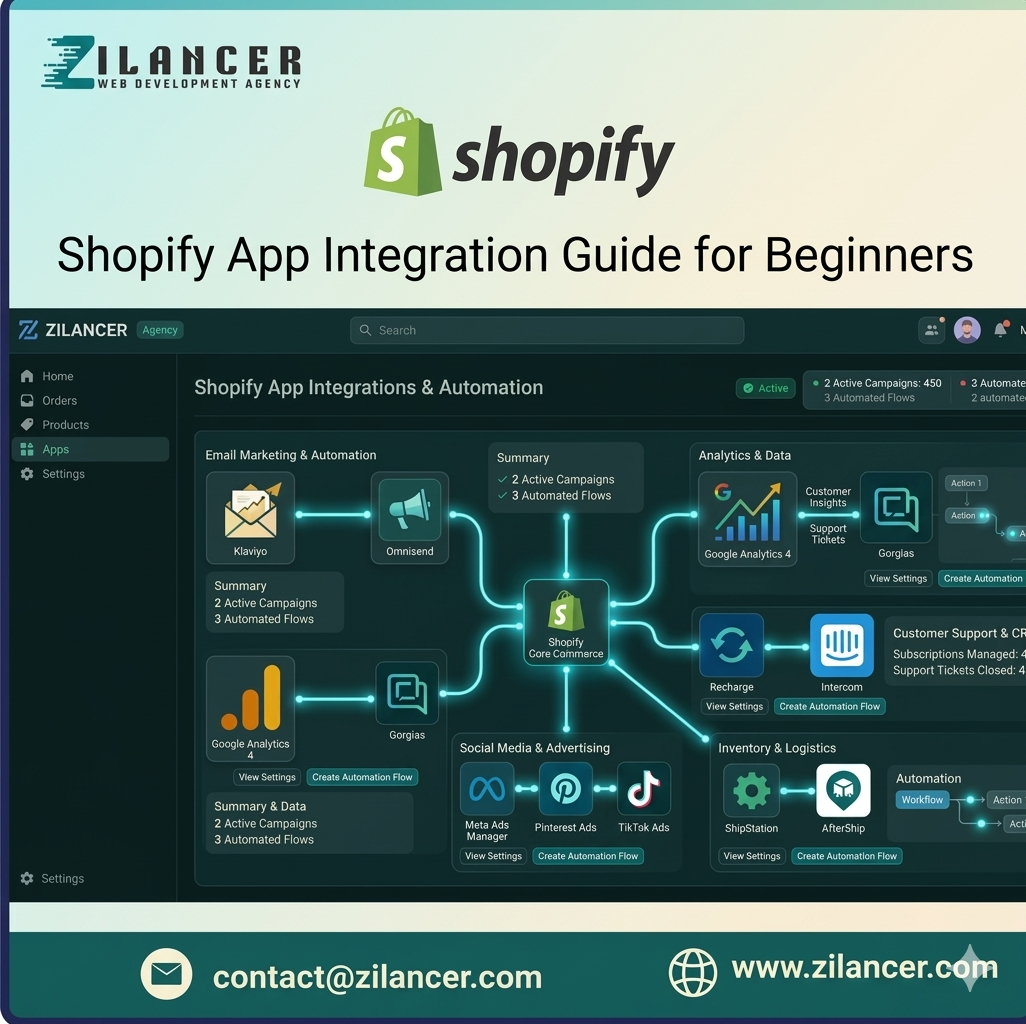
Many WooCommerce plugins have Shopify equivalents available through the Shopify App Store. These apps can provide similar functionality such as:
-
Email marketing automation
-
Product reviews
-
Subscription products
-
Advanced shipping rules
-
Inventory management
If a direct alternative does not exist, custom development may be required to recreate certain features.
Carefully recreating these functions ensures that your new Shopify store offers the same or better functionality as your previous WooCommerce setup.
7. Thoroughly Test Your Store Before Launch
Before launching the new Shopify store, thorough testing is essential.
Testing helps identify potential issues that could affect user experience or transactions.
Key areas to test include:
-
Product pages and images
-
Navigation and collections
-
Cart functionality
-
Checkout process
-
Payment gateways
-
Shipping calculations
-
Mobile responsiveness
Testing should be performed across different devices and browsers to ensure a consistent shopping experience.
A well-tested store minimizes risks and ensures customers experience a smooth transition after launch.
8. Launch Your Shopify Store
Once everything has been tested and verified, the final step is launching the new store.
This usually involves connecting your domain to Shopify and making the store publicly accessible.
After launch, it is important to monitor:
-
Website traffic
-
Order processing
-
Payment transactions
-
Customer activity
-
Performance metrics
Monitoring these indicators helps quickly detect and resolve any unexpected issues.
With proper preparation and monitoring, the transition can be seamless for both the business and its customers.
Benefits of Migrating to Shopify
After completing the migration, businesses often experience several advantages when switching from WooCommerce to Shopify.
Key benefits include:
-
Faster website performance
-
Simplified store management
-
Reduced technical maintenance
-
Improved security and reliability
-
Better scalability for growing brands
Because Shopify is a fully managed platform, business owners can focus more on marketing, product development, and customer experience instead of dealing with technical infrastructure.
Conclusion
Migrating from WooCommerce to Shopify can be a powerful step toward building a more scalable and efficient eCommerce business. With careful planning, the right migration tools, and proper testing, businesses can successfully move their store without losing data, SEO rankings, or customer information.
By transitioning to Shopify, brands gain access to a modern, secure, and high-performance platform designed to support long-term growth in the competitive eCommerce landscape.
When executed correctly, a WooCommerce-to-Shopify migration not only improves store performance but also creates new opportunities for better user experience, higher conversions, and sustainable business growth.