








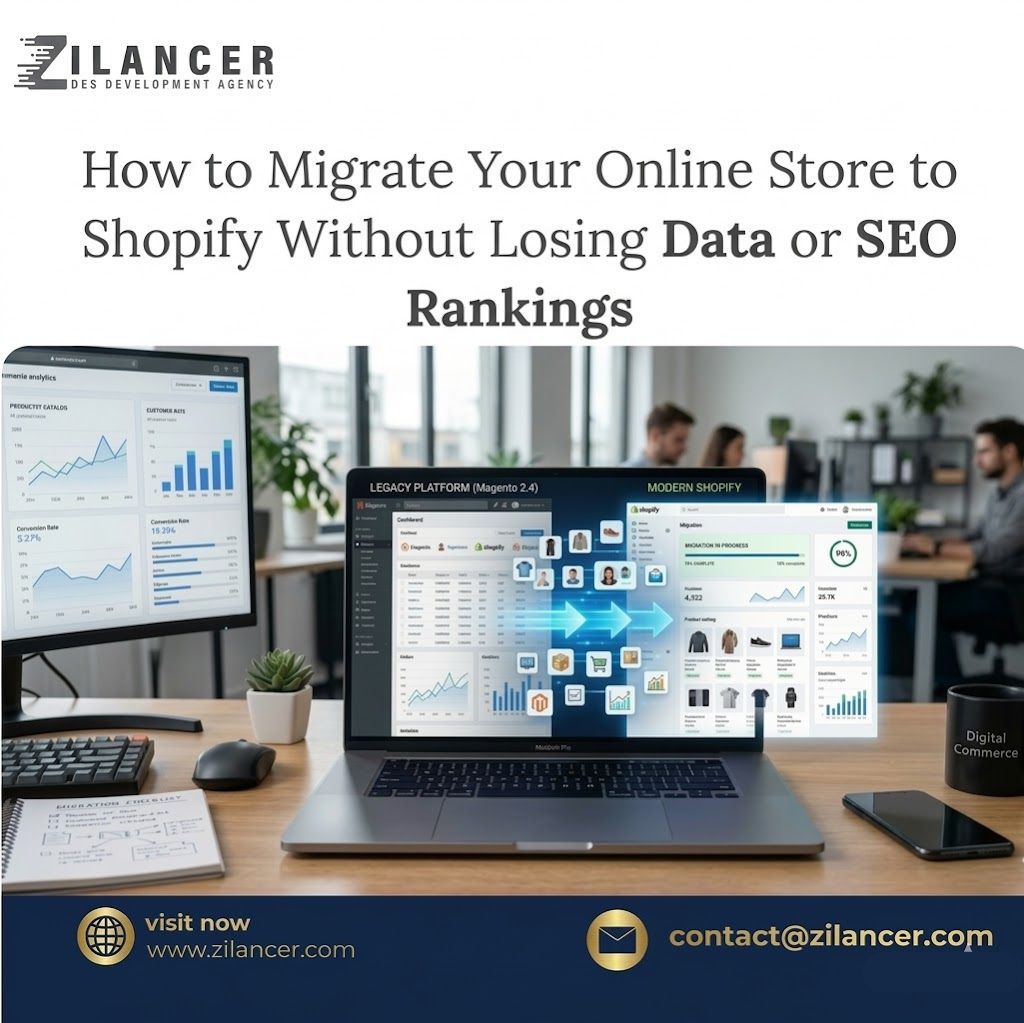
Migrating an online store to a new platform can feel overwhelming, especially when your business depends on important data such as products, customers, orders, and search engine rankings. Many businesses decide to move their stores to Shopify because of its reliability, ease of use, and powerful eCommerce features. However, one of the biggest concerns during this transition is ensuring that no valuable data is lost in the process.
A poorly planned migration can lead to missing product information, broken URLs, lost customer records, or even a drop in search engine rankings. That is why a structured and strategic migration process is essential for protecting your store’s data and maintaining business continuity.
Shopify provides tools and integrations that make it easier to migrate from platforms such as WooCommerce, Magento, BigCommerce, or custom-built systems. When handled correctly, the migration process can be smooth and efficient without interrupting your store operations.
At Zilancer, we help businesses migrate their online stores to Shopify while preserving important data, maintaining SEO performance, and ensuring a seamless transition for customers.
In this guide, we will explain how to migrate your online store to Shopify safely and efficiently without losing valuable data.
Evaluate Your Current Store Structure
Before starting the migration process, it is important to carefully analyze your existing online store. Understanding your store’s structure will help you determine what data needs to be transferred and how the migration should be planned.
A typical eCommerce store contains several important data elements, including product information, product images, categories, customer data, order history, blog content, and SEO metadata. Each of these elements must be mapped properly when transferring them to Shopify.
During this stage, it is also helpful to review your existing store performance, identify outdated content, and determine whether certain elements should be improved or reorganized in the new Shopify store.
A detailed evaluation ensures that the migration process is organized and prevents unnecessary complications later.
Back Up All Store Data
Creating a complete backup of your existing store is one of the most important steps before migration begins.
Even with the best migration tools, unexpected issues can occur. Having a full backup ensures that your original data remains safe and accessible if anything goes wrong during the process.
Your backup should include product databases, customer records, order history, website content, images, and theme files. Storing this information securely gives you the ability to restore data if needed.
This step provides peace of mind and protects your business from potential data loss.
Set Up Your Shopify Store
Before transferring data, you need to create and configure your Shopify store.
Setting up the Shopify environment involves selecting a theme, configuring store settings, setting up payment gateways, and preparing shipping options. Although the store does not need to be fully customized at this stage, the basic structure should be ready to receive imported data.
This preparation helps ensure that the migration process runs smoothly once data transfer begins.
Shopify’s intuitive dashboard allows store owners to manage settings easily and prepare the platform for incoming product and customer data.
Migrate Products and Product Data
Products are the core of any e-commerce store, so transferring product data accurately is essential.
Product migration includes several elements such as product titles, descriptions, images, pricing, SKU numbers, inventory levels, and product variations. If your store has many products, automated migration tools or professional services can help transfer this data efficiently.
It is important to review the migrated products after the transfer to ensure that product descriptions, images, and variants appear correctly in the Shopify store.
Carefully verifying this data helps prevent errors that could affect customer experience.
Transfer Customer and Order Data
Customer data and order history are valuable assets for any online business. These records help maintain customer relationships and provide insight into purchasing behavior.
During migration, customer profiles—including names, email addresses, and contact information—should be transferred accurately. In many cases, order history can also be migrated to preserve important transaction records.
Maintaining these records ensures that your business can continue to provide customer support and track sales history even after switching platforms.
Proper data migration helps maintain continuity and trust with your existing customers.
Preserve SEO and URL Structure
Search engine rankings are extremely valuable for eCommerce businesses, and losing them during migration can significantly impact traffic and sales.
When migrating to Shopify, URL structures often change. To prevent broken links and SEO issues, it is essential to implement proper URL redirects from the old website to the new Shopify store.
Redirects ensure that visitors and search engines are automatically directed to the correct pages on the new site.
Additionally, important SEO elements such as page titles, meta descriptions, product descriptions, and image alt tags should be preserved during the migration process.
Maintaining these elements helps protect your search rankings and organic traffic.
Test the New Shopify Store
Once all data has been transferred, the new Shopify store must be thoroughly tested before going live.
Testing ensures that product pages display correctly, navigation works smoothly, and checkout processes function properly. It is also important to confirm that images load correctly, links are working, and redirects lead to the correct pages.
Payment gateways, shipping calculations, and customer accounts should also be tested to verify that everything operates as expected.
Careful testing helps identify and resolve any issues before customers start using the new store.
Launch the New Store
After testing is complete and all systems are functioning correctly, the new Shopify store can be launched.
At this stage, the domain is connected to the Shopify store and traffic is directed to the new platform. Monitoring the website closely after launch helps ensure that everything continues to operate smoothly.
Any minor issues discovered during the initial launch period can be quickly addressed to maintain a seamless shopping experience.
A well-planned launch ensures that customers experience little to no disruption during the transition.
Common Challenges During Migration
Although Shopify migration can be highly beneficial, some challenges may arise during the process.
Data inconsistencies can occur if product information or categories are not properly mapped between platforms. Custom features from the original platform may also need to be recreated using Shopify apps or custom development.
Another potential challenge involves maintaining SEO rankings, which requires careful management of redirects and metadata.
Working with experienced developers or migration specialists can help overcome these challenges and ensure a smooth transition.
Benefits of Migrating to Shopify
Despite the challenges, many businesses choose Shopify because of the long-term advantages it offers.
Shopify provides fully managed hosting, built-in security, reliable performance, and a user-friendly interface. These features simplify store management and allow businesses to focus more on growth and marketing.
Additionally, Shopify’s app ecosystem makes it easy to add advanced functionality such as marketing automation, analytics, and customer engagement tools.
For many businesses, migrating to Shopify leads to improved efficiency, faster websites, and better customer experiences.
Conclusion
Migrating your online store to Shopify can be a transformative step for your business, but it requires careful planning and execution to avoid losing valuable data.
By evaluating your current store, backing up important information, transferring products and customers correctly, and protecting SEO elements, you can ensure a smooth and successful migration.
Thorough testing and proper launch preparation further help guarantee that your new Shopify store operates efficiently from day one.
At Zilancer, we specialize in helping businesses migrate their online stores to Shopify safely and efficiently. Our team focuses on protecting your data, maintaining search rankings, and optimizing the new store for performance and conversions.
With the right strategy and professional guidance, moving your online store to Shopify can open the door to better scalability, improved performance, and long-term eCommerce success.