







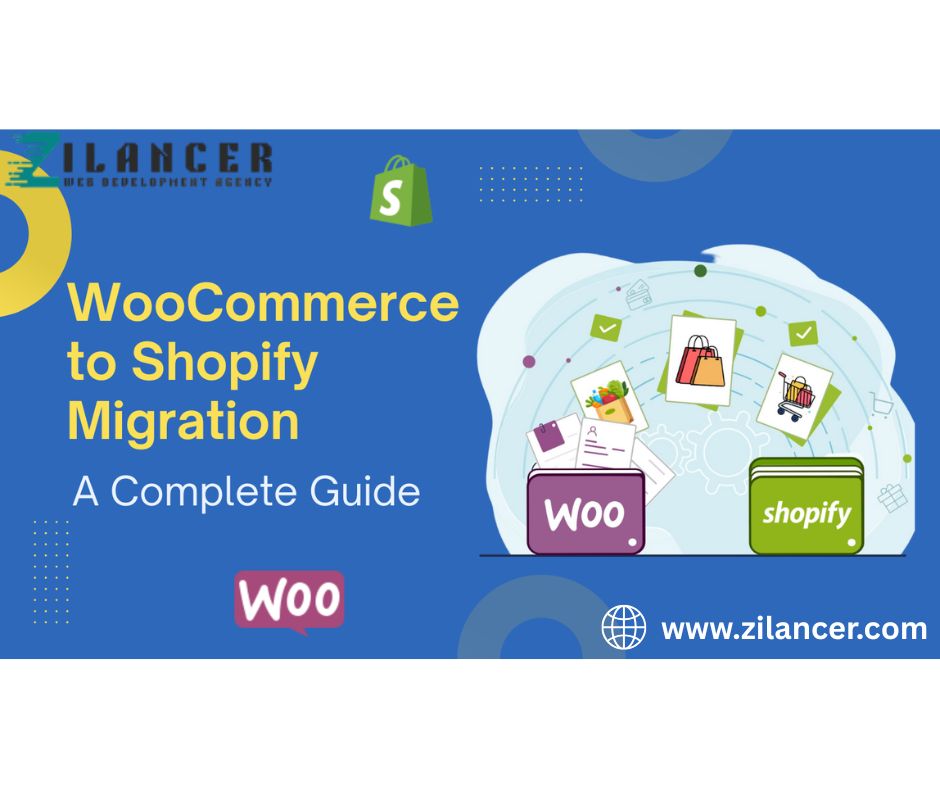
Migrating an online store is a major decision for any e-commerce business. While WooCommerce is a popular platform for many online stores, many growing businesses eventually transition to Shopify to benefit from its scalability, security, and simplified management. Shopify provides a fully hosted environment that eliminates the need for complex maintenance, plugin conflicts, and technical troubleshooting that often come with WooCommerce stores. For businesses aiming to scale faster, improve performance, and simplify store management, migrating to Shopify can be a strategic move. However, migration should be handled carefully to ensure that no valuable data, SEO rankings, or customer information is lost during the transition. This guide walks you through the key steps required to successfully migrate your WooCommerce store to Shopify. Planning your migration strategy is a critical step when moving an eCommerce store from one platform or system to another, as it ensures a smooth transition without losing data, traffic, or sales performance.
A well-structured migration plan begins with a clear understanding of what needs to be moved, including products, customer data, order history, SEO structure, and design elements. Without proper planning, businesses risk broken links, ranking drops, and disrupted user experiences that can negatively impact revenue and brand trust. A strong migration strategy focuses on preparation before execution. This includes auditing the existing store to identify key assets, mapping out URLs to preserve SEO value, and backing up all essential data. It is also important to choose the right time for migration, ideally during low-traffic periods, to minimize disruption. Businesses should also ensure that the new platform is fully tested in a staging environment before going live, checking for design consistency, functionality, and performance issues.
SEO preservation is one of the most important aspects of migration. Proper 301 redirects must be implemented to ensure old URLs correctly point to new ones, preventing loss of search rankings and organic traffic. Additionally, metadata, product descriptions, and site structure should be carefully maintained or improved during the transition.
Finally, post-migration monitoring is essential. After launching the new site, businesses should track performance metrics, fix broken links, and analyze user behavior to ensure everything is functioning as expected. A well-planned migration strategy not only protects existing business performance but also sets the foundation for future growth, scalability, and improved user experience.
Set Up Your Shopify Store
Setting up your Shopify store is the foundation of building a successful eCommerce business, and doing it correctly ensures long-term stability, scalability, and performance. The process begins with creating your Shopify account and selecting a plan that matches your business needs. Once the basic setup is complete, the next step is configuring your store settings, including currency, time zone, payment gateways, and shipping options. These details may seem simple, but they are essential for ensuring smooth transactions and a seamless customer experience from day one. After the initial configuration, the focus shifts to building your store’s structure and design. Choosing a professional theme that aligns with your brand identity is crucial, as it directly impacts user experience and trust. Customizing the layout, colors, typography, and homepage sections helps create a unique storefront that reflects your business personality. Adding essential pages such as About Us, Contact, Privacy Policy, and Refund Policy also builds credibility and transparency with customers.
Next comes product setup, which is one of the most important stages. Each product should include high-quality images, detailed descriptions, clear pricing, and optimized SEO titles and tags. Proper organization using collections and categories makes it easier for customers to navigate and find what they need quickly. At the same time, integrating essential apps for marketing, analytics, reviews, and customer support can significantly enhance store functionality. Finally, thorough testing is necessary before launching. This includes checking the checkout process, mobile responsiveness, loading speed, and overall user experience. Ensuring everything works smoothly helps prevent issues that could affect sales. Setting up your Shopify store is not just about going live—it’s about building a strong, optimized foundation that supports growth, improves conversions, and delivers a seamless shopping experience from the very beginning.
Migrate Products and Customer Data
Migrating products and customer data is one of the most important steps in any eCommerce platform transition, as it ensures business continuity and protects valuable information that has been built over time. This process involves transferring all essential store data—such as product listings, images, descriptions, pricing, variants, inventory levels, and customer records—from the old system to the new platform without losing accuracy or structure. A properly executed migration helps maintain operational stability and ensures that customers experience no disruption when interacting with the store. The first step in a successful migration is data organization and cleanup. Before transferring anything, businesses should review their existing data to remove duplicates, update outdated product information, and fix inconsistencies. Clean data not only improves the migration process but also enhances the performance of the new store. Once the data is structured correctly, it can be mapped to match the format required by the new platform, ensuring that all fields align properly during import.
Product migration requires special attention because even small errors—such as missing images, incorrect pricing, or broken variants—can impact user experience and sales. Each product must be carefully checked after import to ensure everything displays correctly. Similarly, customer data, including names, emails, order history, and preferences, must be securely transferred while maintaining privacy and compliance standards. This allows businesses to continue personalized marketing and customer engagement without interruption. Testing is a critical part of the process. After migration, businesses should verify that products are searchable, filters work correctly, and customer accounts function as expected. Any issues should be resolved before going live to avoid disruptions. Ultimately, a well-planned migration of products and customer data ensures a seamless transition, preserves business integrity, and provides a strong foundation for continued growth on the new platform.
One of the biggest concerns when migrating an online store is protecting search engine rankings. If URLs change without proper redirection, existing search traffic may be lost. To prevent this, it is important to implement 301 redirects from your old WooCommerce URLs to the corresponding Shopify pages.
Recreate Custom Features and Integrations
Recreating custom features and integrations is a crucial step when migrating or rebuilding an eCommerce store, as it ensures that all essential functionalities continue to work smoothly in the new environment. Many businesses rely on custom-built solutions—such as unique checkout flows, personalized product filters, loyalty programs, or third-party system connections—that are specifically designed to support their operations and customer experience. During migration or redesign, these features must be carefully rebuilt or re-integrated to maintain consistency and avoid disrupting the user journey. The process begins with a detailed audit of the existing store to identify all custom functionalities and external integrations. This includes payment gateways, CRM systems, email marketing tools, inventory management software, analytics platforms, and any other connected services. Understanding how each integration works and how it interacts with the store is essential before rebuilding it on the new platform. Developers then map out equivalent solutions or custom code to replicate the same behavior while ensuring compatibility with the updated system.
Attention to detail is critical during this stage, as even small differences in functionality can impact performance or user experience. Custom features must not only replicate existing behavior but also be optimized for better speed, usability, and scalability. In some cases, migration presents an opportunity to improve outdated systems by replacing them with more efficient modern solutions or APIs. Testing plays a key role in ensuring everything functions correctly. Each integration should be thoroughly tested to confirm data flows properly, automations work as expected, and no conflicts exist between apps or custom code. Ultimately, successfully recreating custom features and integrations ensures business continuity, preserves advanced functionality, and enhances the overall performance of the store in its new environment.
Thoroughly Test Your Store Before Launch
Launching your store without proper testing is like opening a physical shop with broken shelves and locked doors—you might have great products, but customers won’t stay long enough to see them. Before going live, thoroughly test every part of your store to ensure a smooth and frustration-free experience. Start by checking your website speed across devices, because even a slight delay can cause visitors to leave instantly. Navigate your store as if you were a first-time customer—browse categories, open product pages, add items to the cart, and complete the checkout process. Make sure everything flows naturally, and there are no confusing steps or broken links. Pay close attention to mobile responsiveness, as a large portion of your traffic will come from mobile users.
Next, verify that all payment gateways are functioning correctly and transactions are processed without errors. Test different scenarios, including successful payments, failed transactions, and refund processes, to ensure reliability. Review your product pages carefully—images should load properly, descriptions must be clear and persuasive, and trust signals like reviews or guarantees should be visible. Also, ensure that all automated emails, such as order confirmations and shipping updates, are working as expected.
Don’t overlook small details like typos, alignment issues, or inconsistent branding, as these can impact your credibility. SEO basics, such as meta titles, descriptions, and URLs, should also be optimized before launch. Finally, ask a few people outside your team to test your store and provide honest feedback—they’ll often spot issues you’ve missed. A well-tested store not only prevents costly mistakes but also creates a strong first impression, setting the foundation for higher conversions and long-term success.
Benefits of Migrating to Shopify
Migrating to Shopify can be a game-changer for businesses looking to scale efficiently and simplify their operations. One of the biggest benefits is ease of use. Shopify provides a clean, user-friendly interface that allows you to manage products, orders, and customers without needing advanced technical skills. This means you can focus more on growing your business instead of dealing with complex backend issues. Another major advantage is performance and reliability. Shopify is a fully hosted platform, which ensures fast loading speeds, secure hosting, and minimal downtime. A faster store not only improves user experience but also helps increase conversions and boost SEO rankings. Unlike many other platforms, you don’t have to worry about server maintenance or technical breakdowns.
Shopify also offers a wide range of professionally designed themes and powerful customization options. Whether you want a simple layout or a high-converting, branded storefront, Shopify makes it easy to create a visually appealing and responsive design. Plus, its mobile optimization ensures your store performs smoothly across all devices. Security is another key benefit. Shopify handles all security updates, SSL certificates, and compliance requirements, keeping your store and customer data safe. This builds trust with your audience and reduces the risk of data breaches. Additionally, Shopify has a vast app ecosystem that allows you to extend your store’s functionality. From marketing tools and SEO optimization to inventory management and customer support, you can integrate everything you need to run and grow your business efficiently. Finally, Shopify is built for scalability. Whether you’re just starting or handling high-volume sales, the platform can grow with your business. With reliable infrastructure, flexible features, and continuous updates, migrating to Shopify positions your store for long-term success and sustainable growth. Migrating from WooCommerce to Shopify can be a powerful step toward building a more scalable and efficient eCommerce business. With careful planning, the right migration tools, and proper testing, businesses can successfully move their store without losing data, SEO rankings, or customer information. By transitioning to Shopify, brands gain access to a modern, secure, and high-performance platform designed to support long-term growth in the competitive eCommerce landscape.
When executed correctly, a WooCommerce-to-Shopify migration not only improves store performance but also creates new opportunities for better user experience, higher conversions, and sustainable business growth.